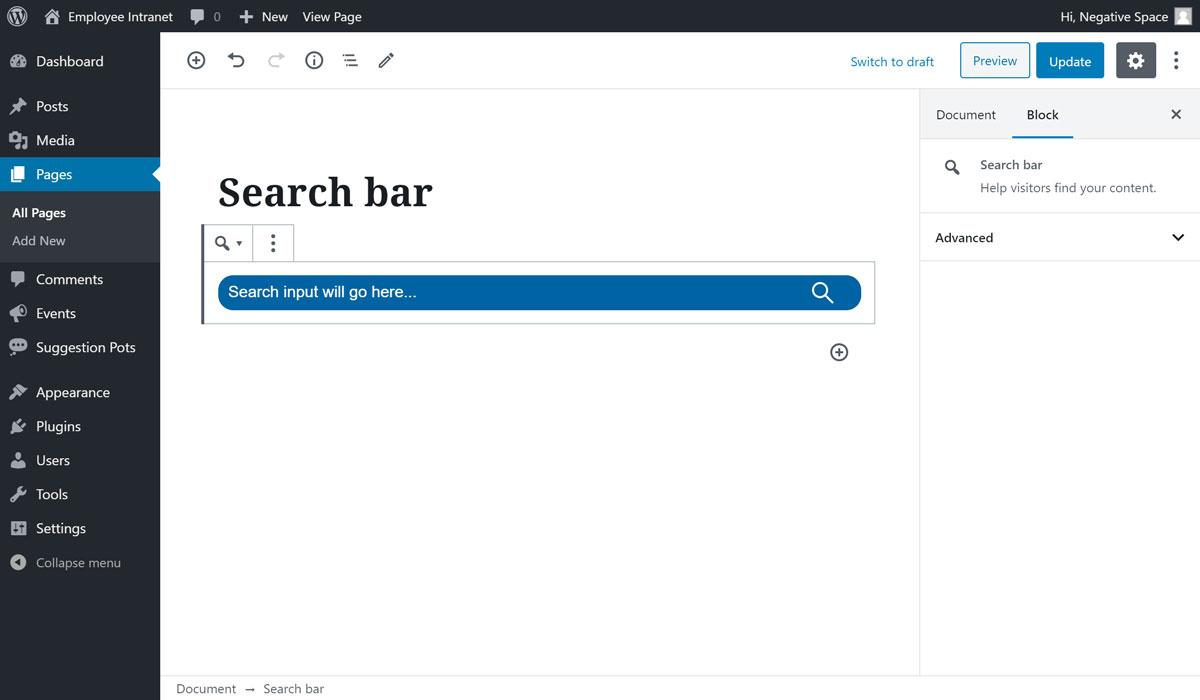
# Search bar
This custom block enables editors to add the site wide search bar to any page that uses the Gutenberg editor. One instance where the search bar is used in the Intranet is the home page as per the Phase 1 design.
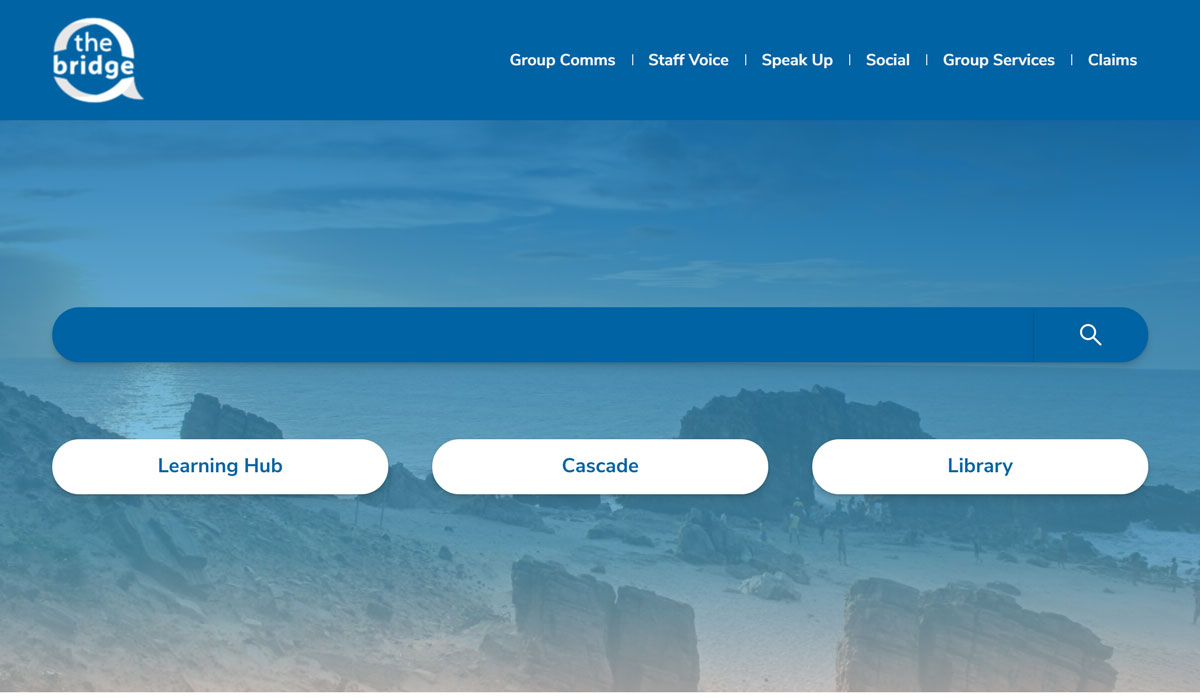
To add the Search bar block:
- Add or edit a page that uses the Gutenberg editor (e.g. Page or Post)
- Click to add a Gutenberg block (more on how to add a Gutenberg block can be found here)
- Find the block with the name Search bar (highlighted below)
- Click on it to add it
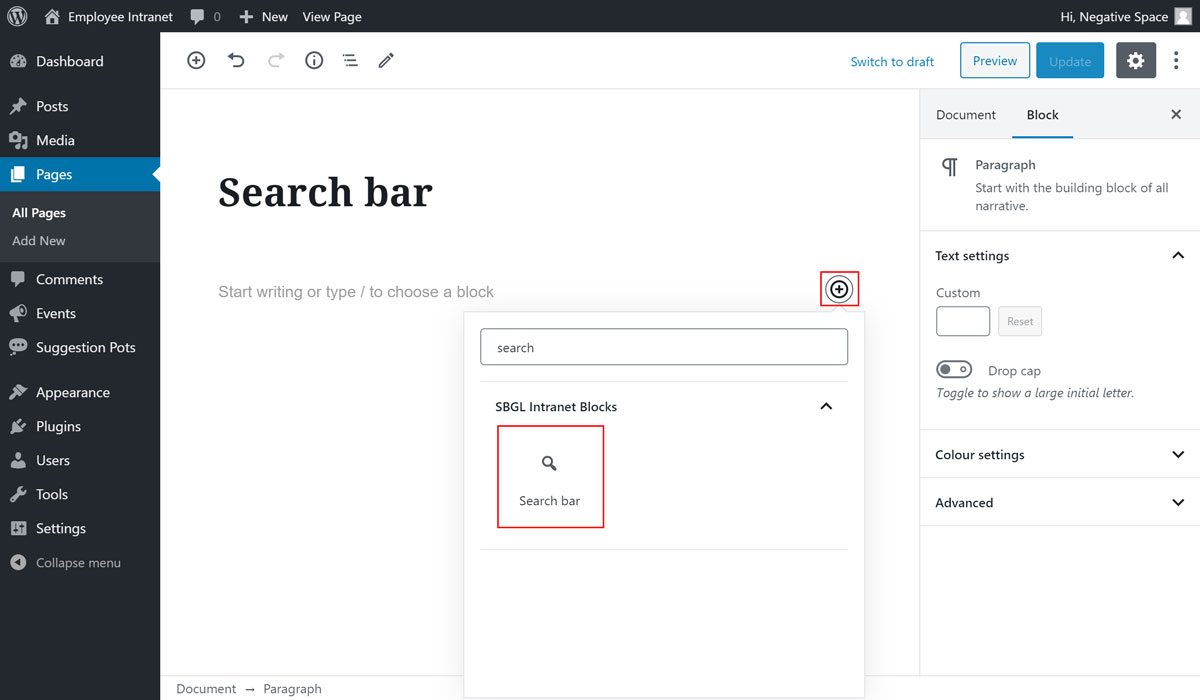
Once you finished with adding your block, click on Update to save your changes.