# Configuring suggestion notification emails
When an user submits a Suggestion via the front-end of the site an email is sent to a number of recipients to notify them about the new Suggestion.
Each Suggestion Pot can be associated to different recipients (email addresses), so that the notification is sent to employees of the appropriate department for that Suggestion (e.g. a Suggestion to an IT pot can be sent to IT staff).
To configure a Suggestion Pot's notification emails recipients:
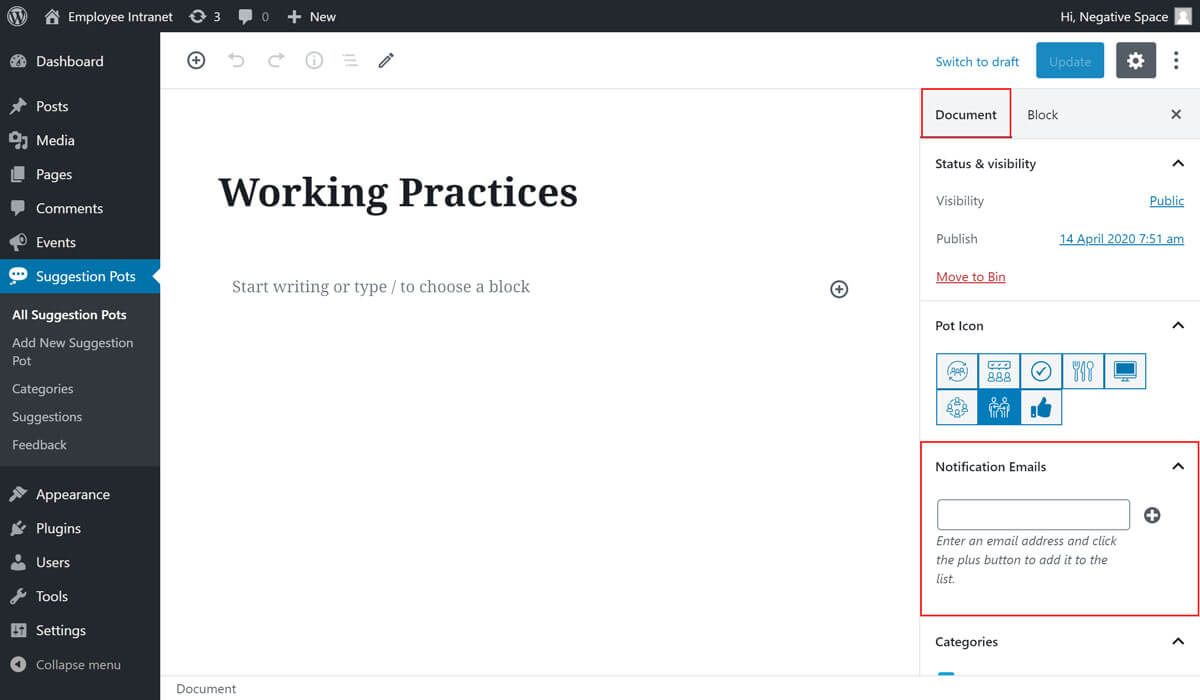
- Edit a Suggestion Pot
- Expand the Notification Emails dropdown under the Document tab (highlighted below)
- Fill in the the text input inside the Notification Emails dropdown and click on the plus button if you wish to add more email addresses (highlighted below) or the minus button to delete any added addresses (highlighted below)
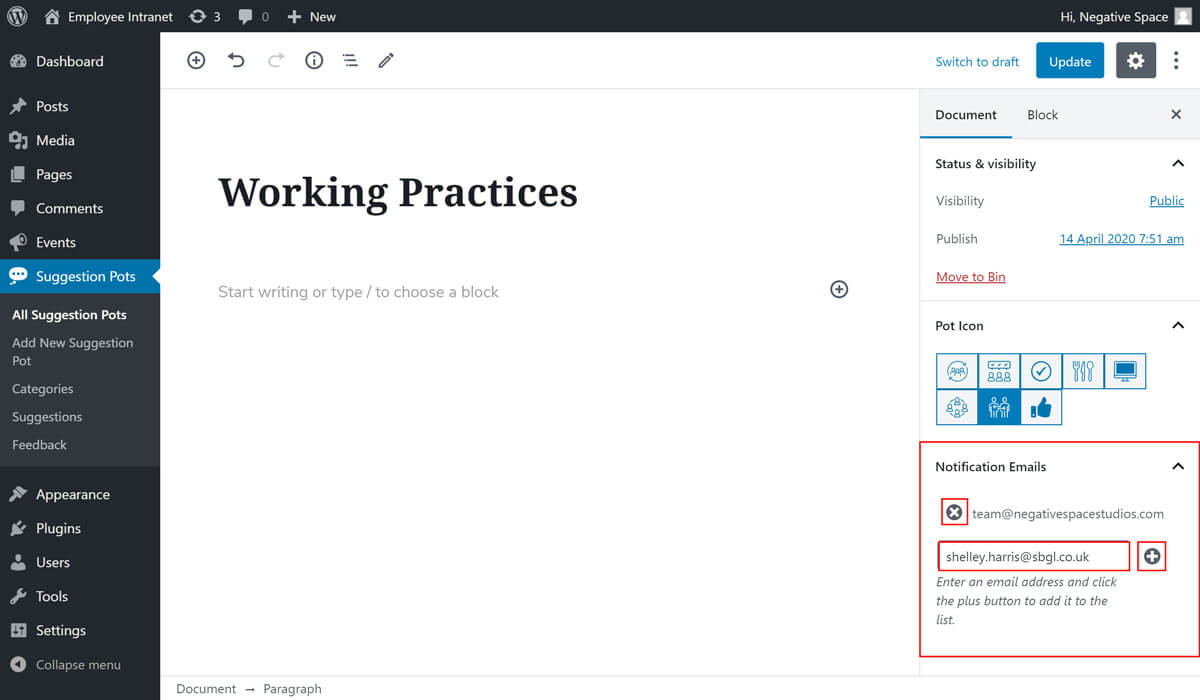
- Click on Publish/Update to save your changes
# Additional notification email settings
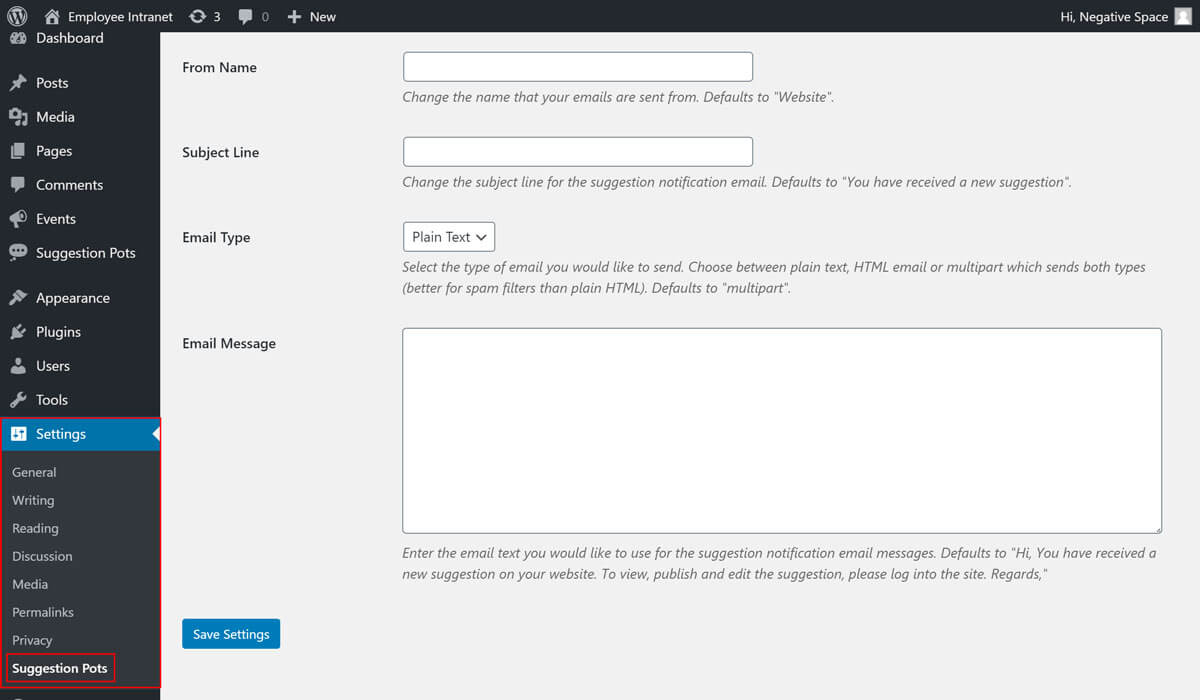
The Suggestions Pots plugin comes with additional settings for the notification emails (e.g. From Email Address) that you can access by:
- Clicking the Settings tab (highlighted below)
- Clicking the Suggestion Pots sub-tab (highlighted below)