
# Selecting a layout
WordPress themes come with a predefined set of layouts which can be used to change the look and feel of each page.
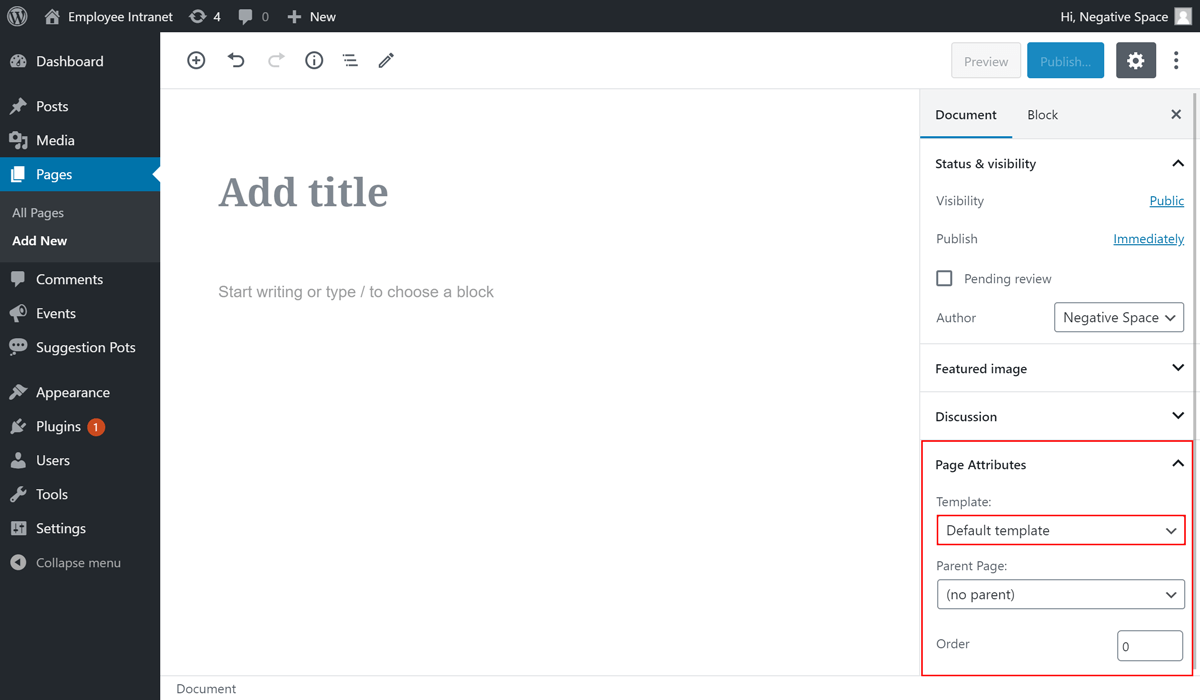
To select a Page layout:
- Add or Edit a Page
- Expand the dropdown Page Attributes which is under the Document tab
- Choose a layout from the Template dropdown menu as highlighted below.
In the Employee Forum theme the predefined layouts are:
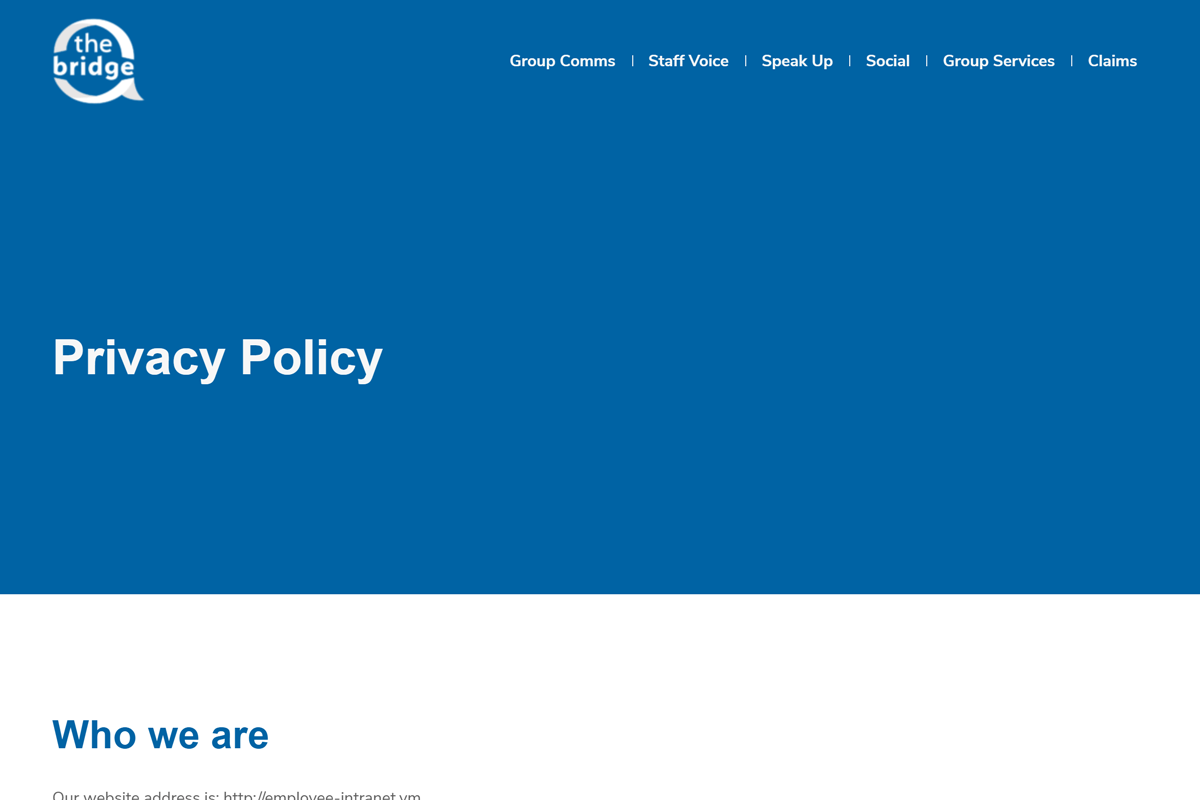
- Default - a layout where the Page title is in the blue hero section and every block is contained in the container[1].
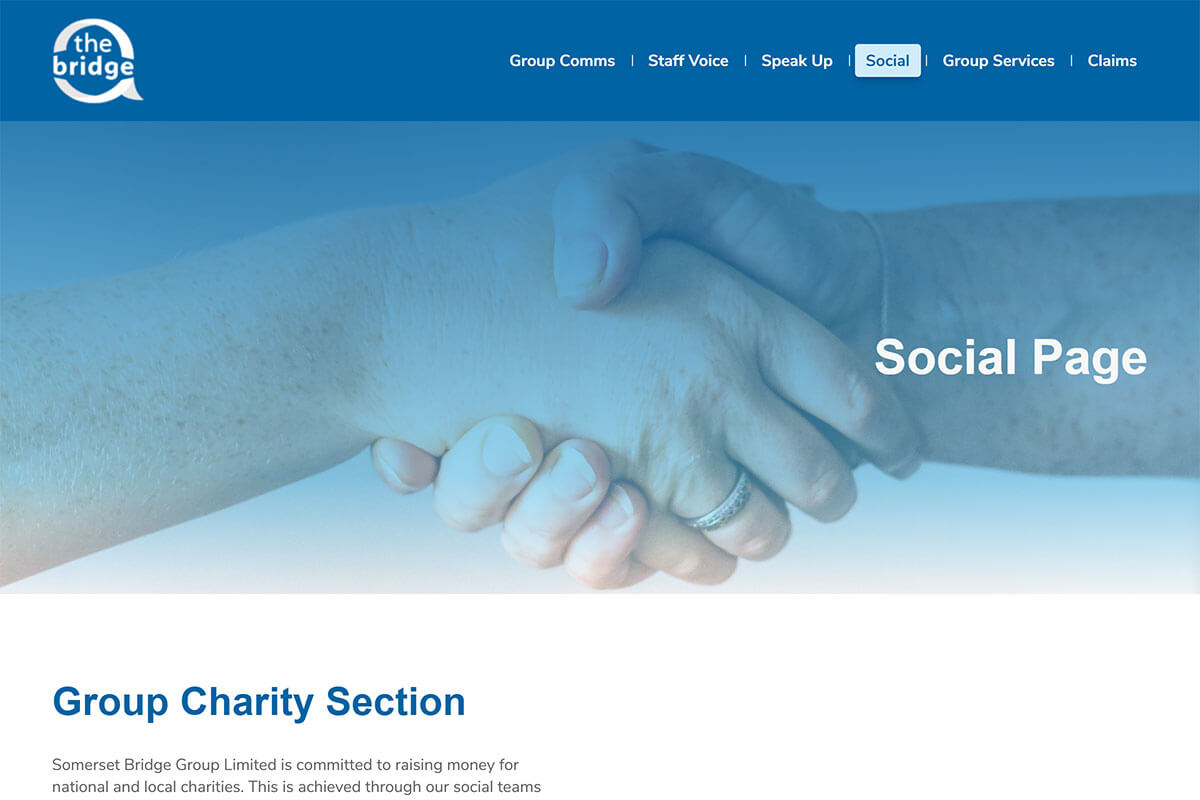
- Full width - a layout with no default hero section and no default container[1].
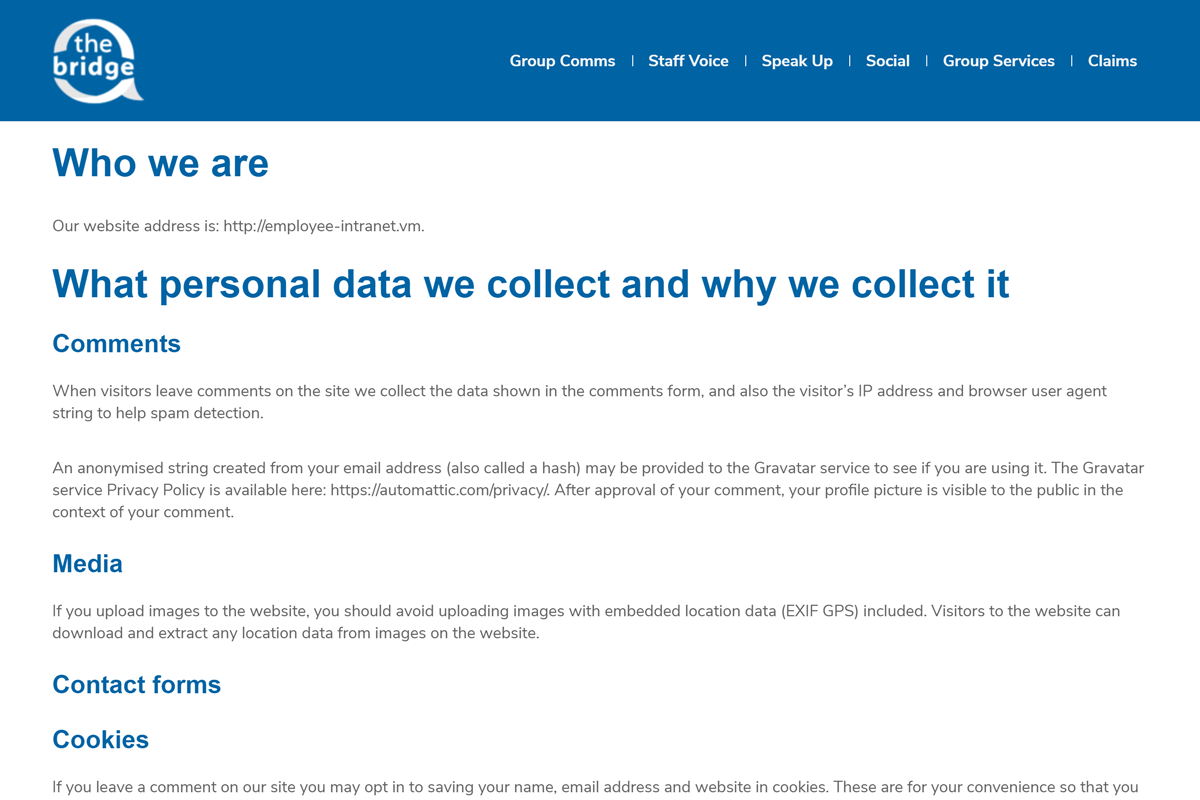
- No Header - a layout with no hero section and where every block is contained in the container[1].
[1]: The maximum width that the content can take. Containers are used to pad the content inside of them.