# Adding a tag
Tags provide a useful way to group related News articles together and to quickly tell readers what a News article is about. In the Intranet tags are used to group location and sector specific News articles together (e.g Bristol or IT News) and display them on the corresponding page (e.g Bristol Social or IT page) by filtering the News block by that tag.
# Creating a new tag
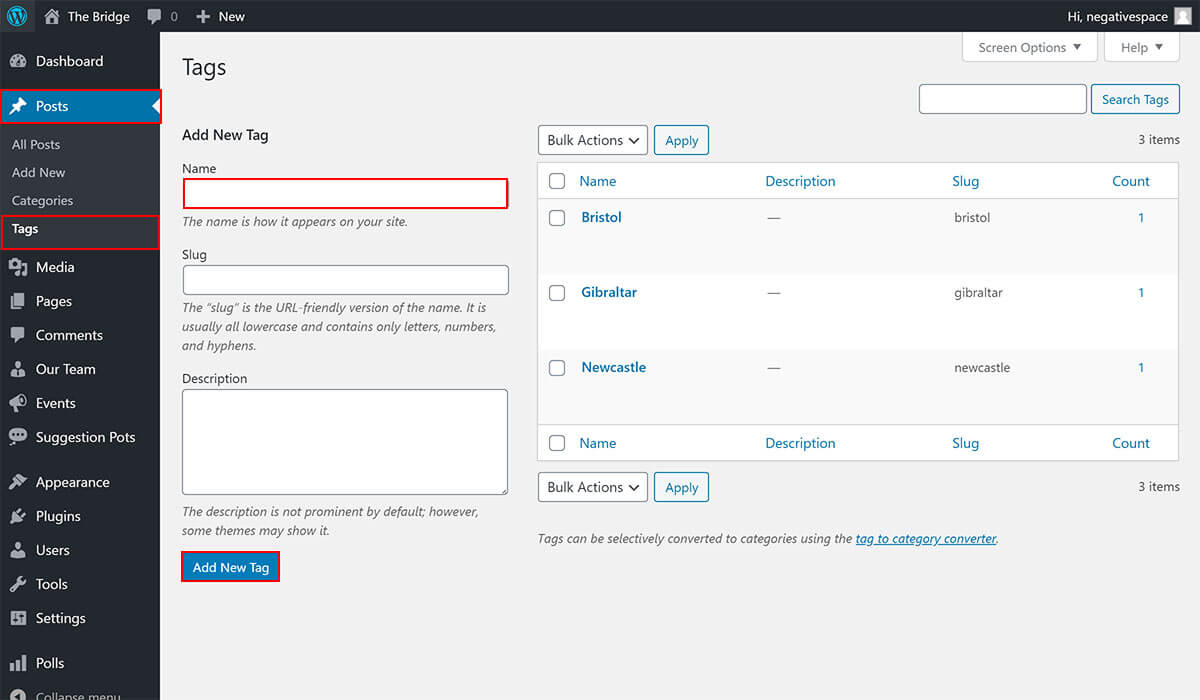
To create a new category:
- Click the Posts tab in the sidebar admin menu
- Click the Tags sub-tab
- Fill in the Name field
- Click on Add New Tag
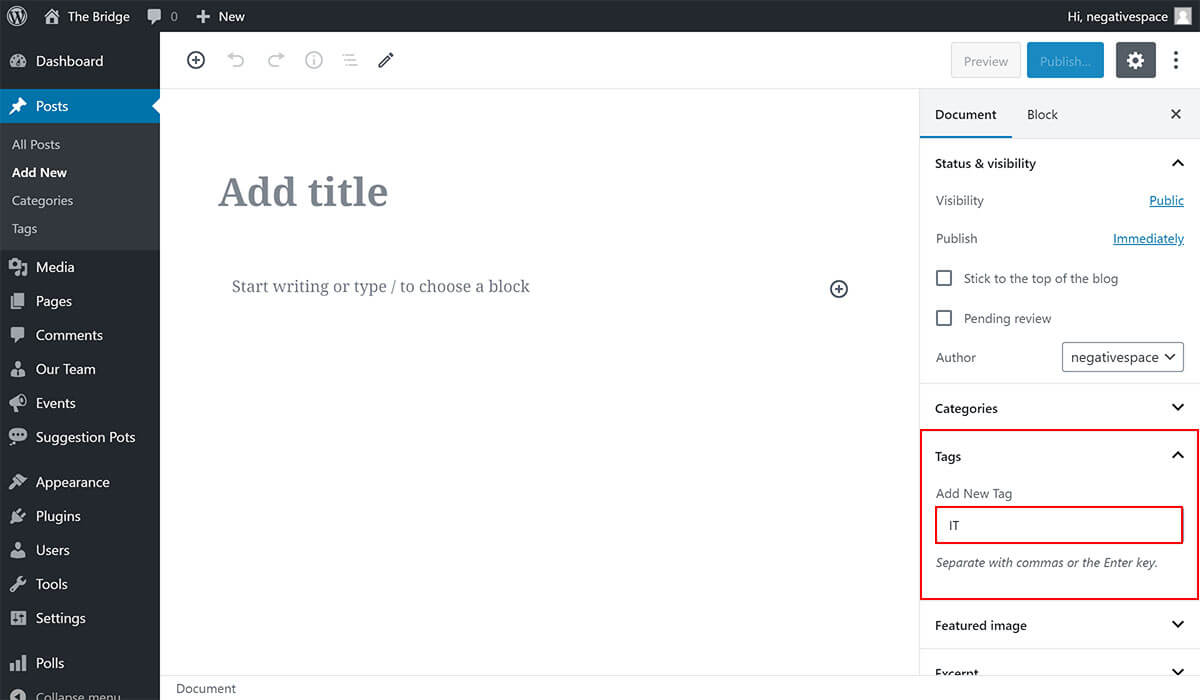
Alternatively, you can add a new tag while editing a News article as highlighted below.
# Selecting a tag
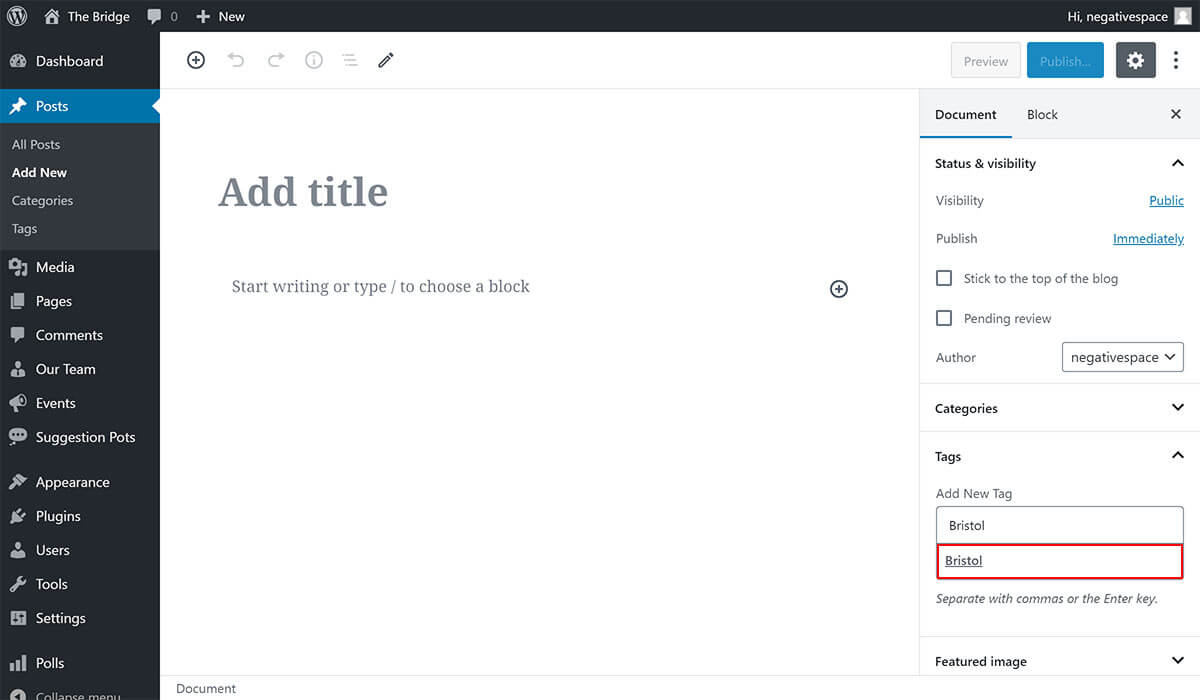
To select an existing tag, simply start typing the tag and select it from the suggestions dropdown (highlighted below) that is automatically generated by WordPress.