# Publishing the article
Once you're happy with the content of your post, you can choose to publish it in order to make it visible to visitors of the site.
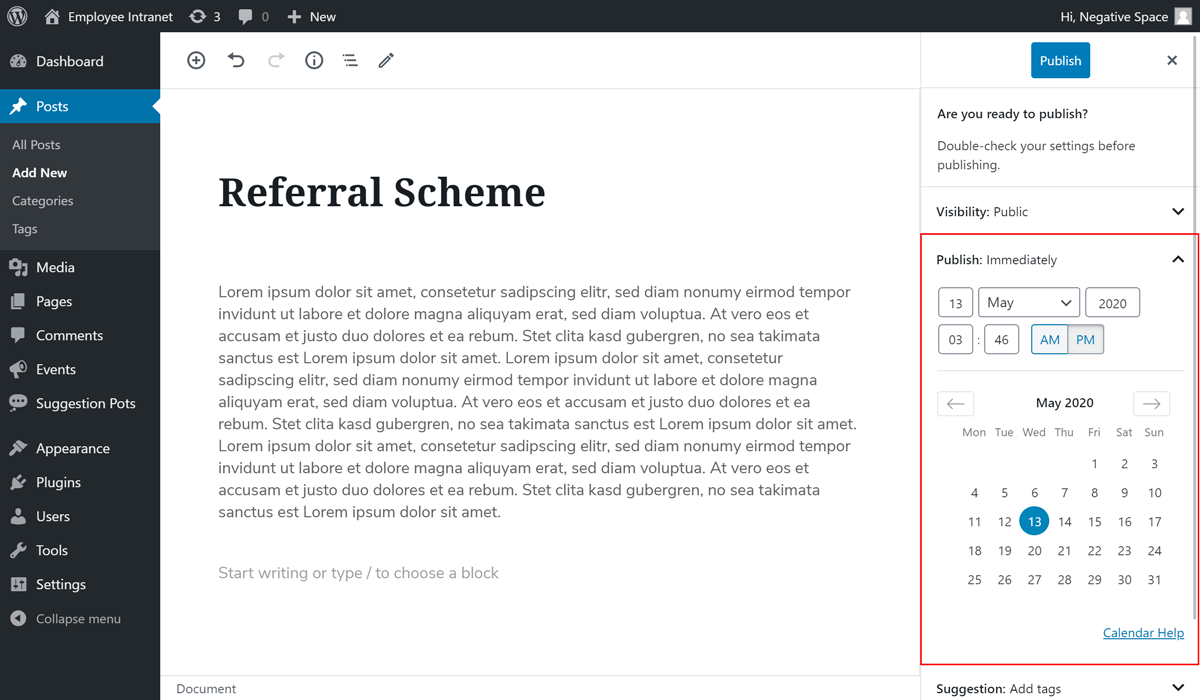
To publish a post, simply click on the Publish button, as highlighted below.

You can choose to publish the post immediately by clicking the Publish button for a second time or you can choose to schedule your post to be published automatically. To schedule the post, expand the Publish drop down section and select the date and time on which you would like the post to be published.