# Featured image
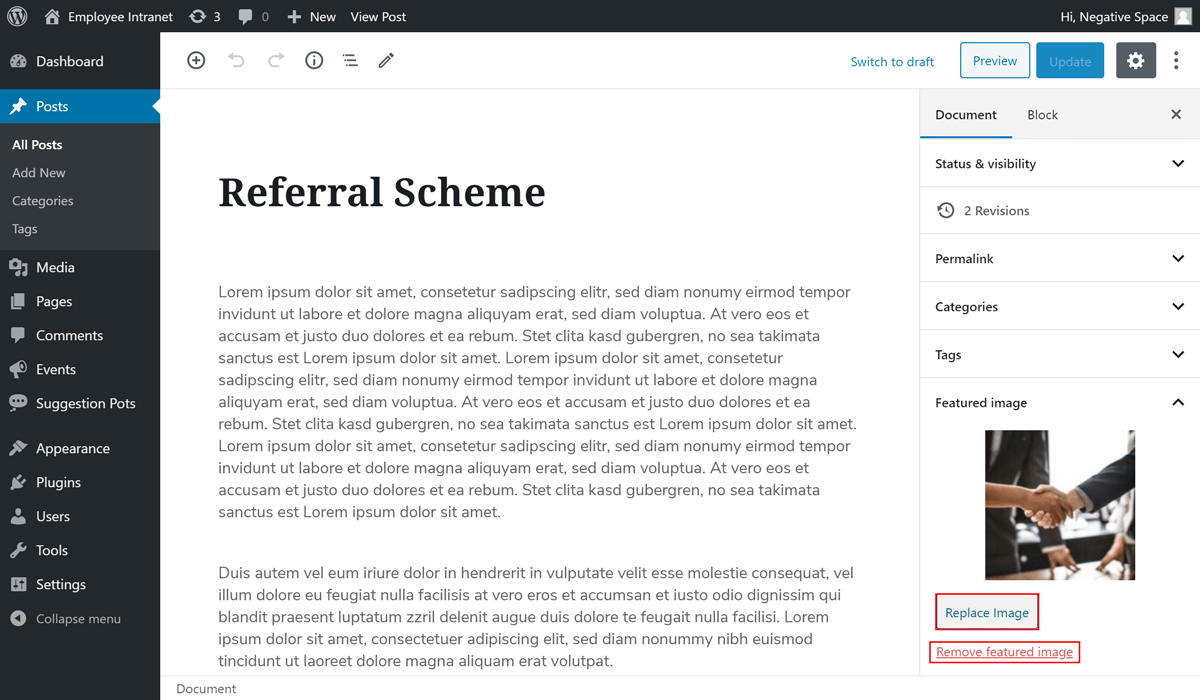
Every post in WordPress includes a featured image. In the intranet the featured image is used for the main image of a news article, as highlighted below.

To add a featured image to a post:
- Expand the Featured image section in the Document tab as highlighted below and click on Set featured image

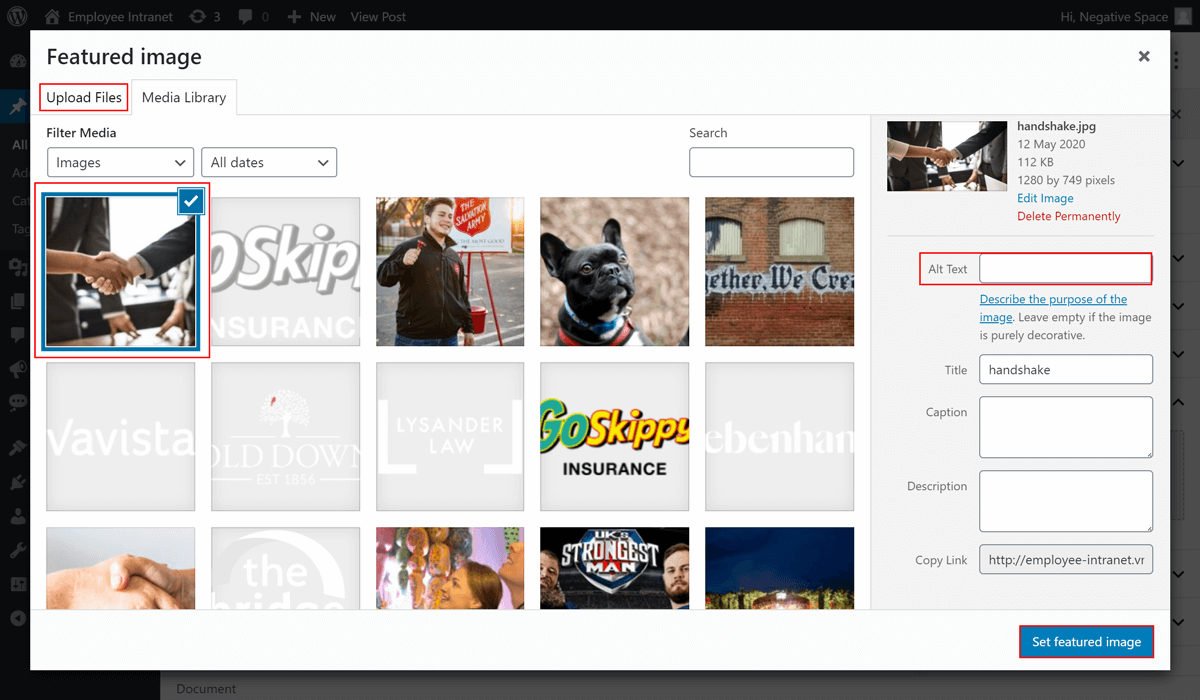
- Select an existing image from the Media gallery by clicking on it, or upload a new image by clicking on the Upload Files tab and following the instructions. It's good practice to add Alt Text to an image to describe the image to visually impaired users. When you're happy with the selection, click on Set featured image.
- You can replace or remove the featured image as highlighted below.