# Categorising an Event
You can split your events into separate categories to create groups of events (e.g. charity events) that are linked by a specific event category. This is particularly useful when using the Events On Page Gutenberg block as it means that you can choose to only show events that are in a specific category on your page.
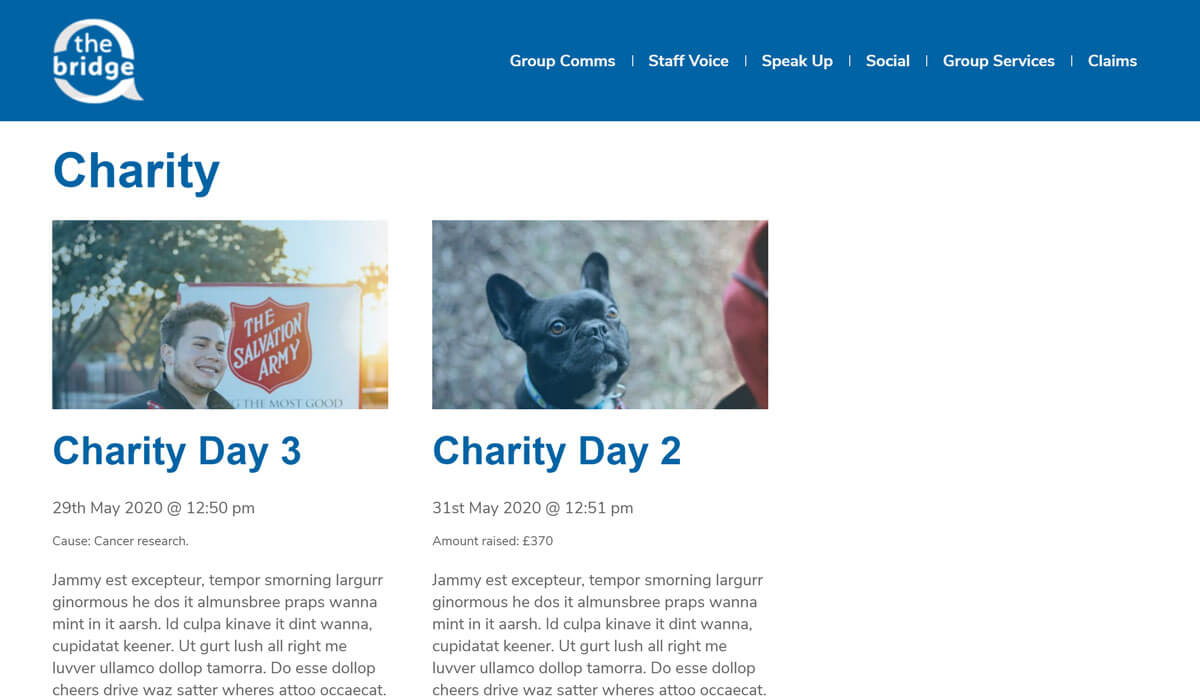
Categorising an event also automatically creates category archive pages that show all events in a specific event category.
# Creating a new event category
To create a new event category:
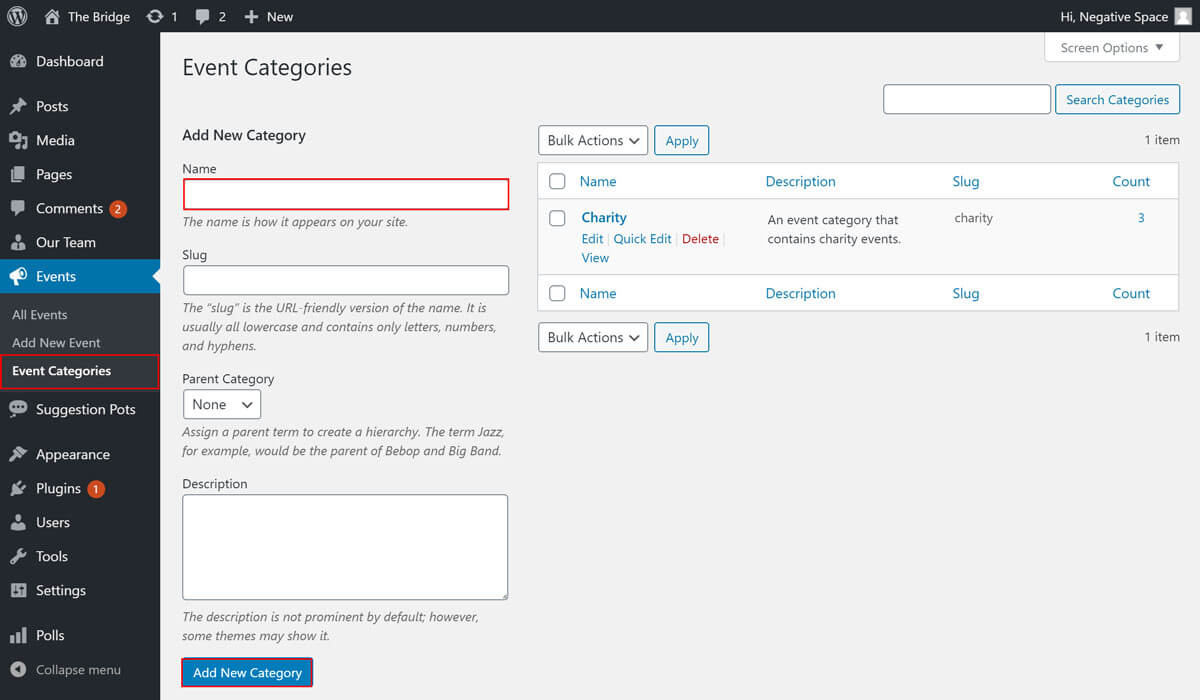
- Click / hover on the events tab in the admin menu.
- Click on the Event Categories sub-tab.
- Fill in the name field.
- Click on Add New Category to add your category.
Optional: If you want to modify the category slug (part of the URL that relates to the category) or add a description, feel free to do so by filling out the fields provided.
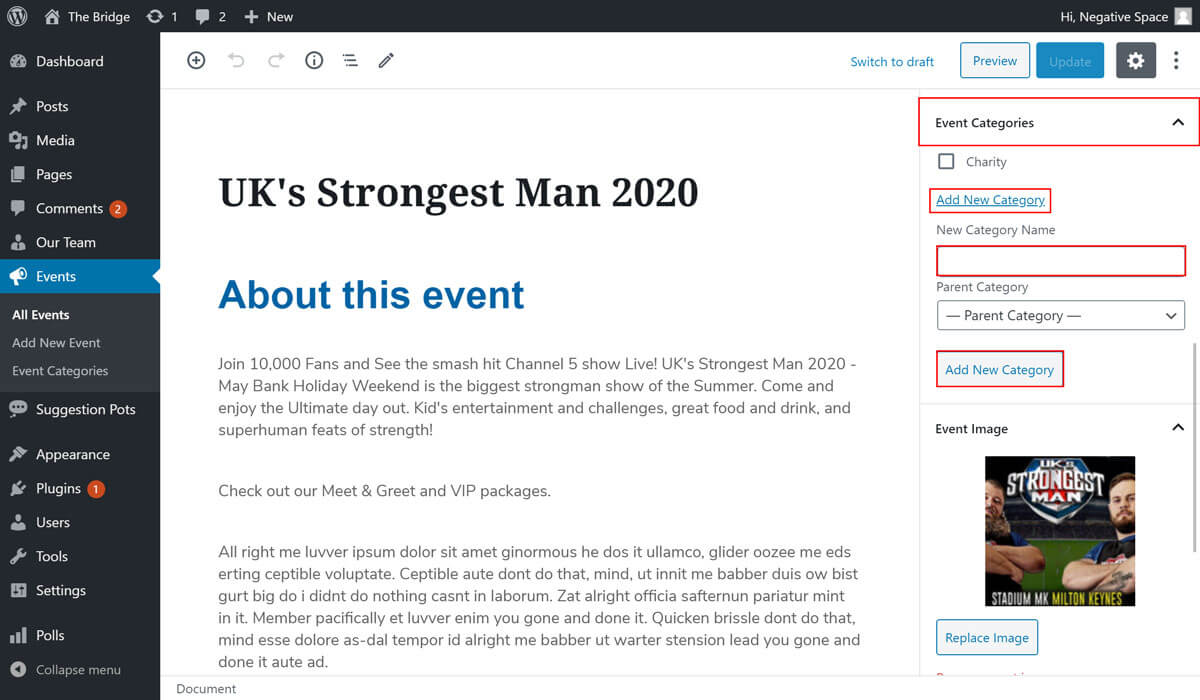
Alternatively, you can add a new category while editing an event as highlighted below.